An easy task and reminder app for older adults
If apps feel too busy, eazie is different. It is big, clear and calm, and it does not ask you to log in.
Big, clear and calm
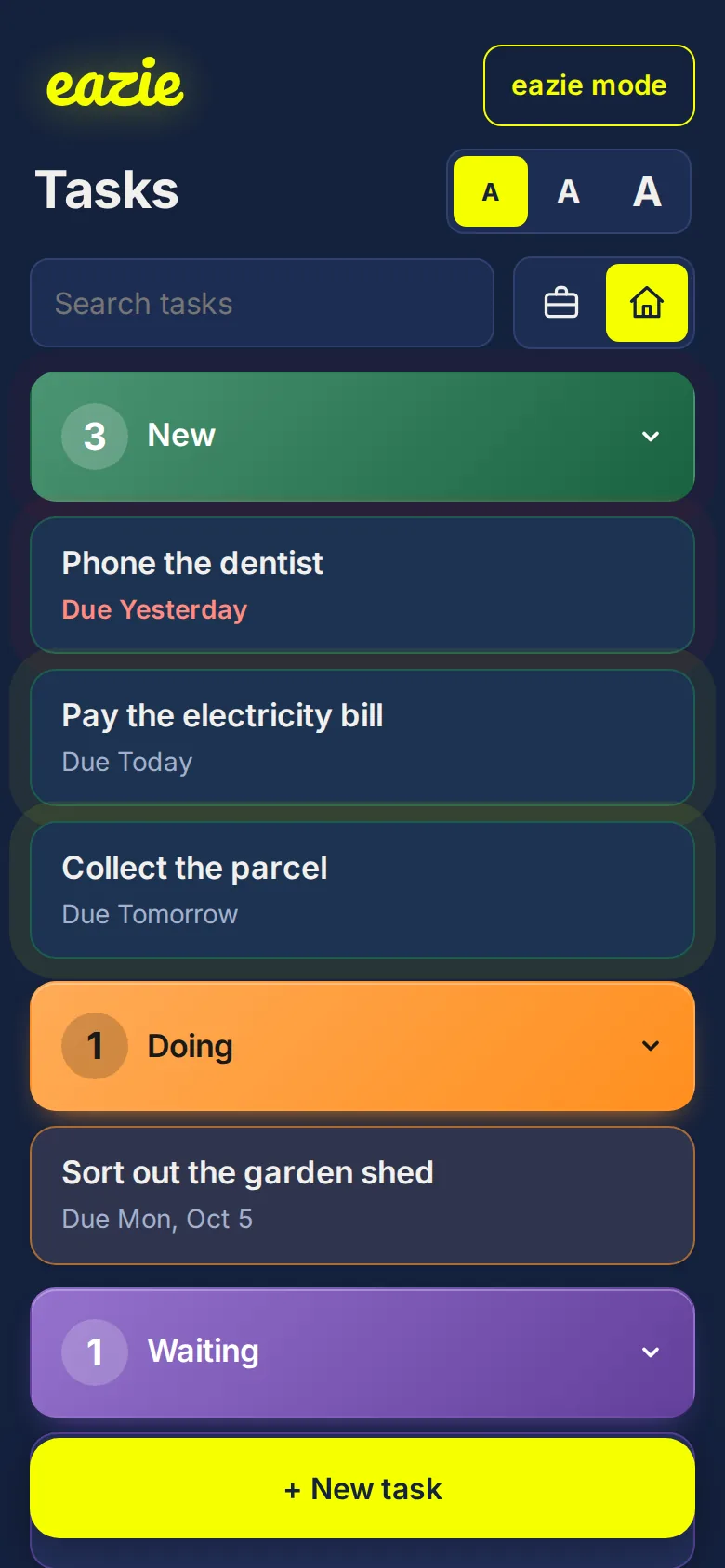
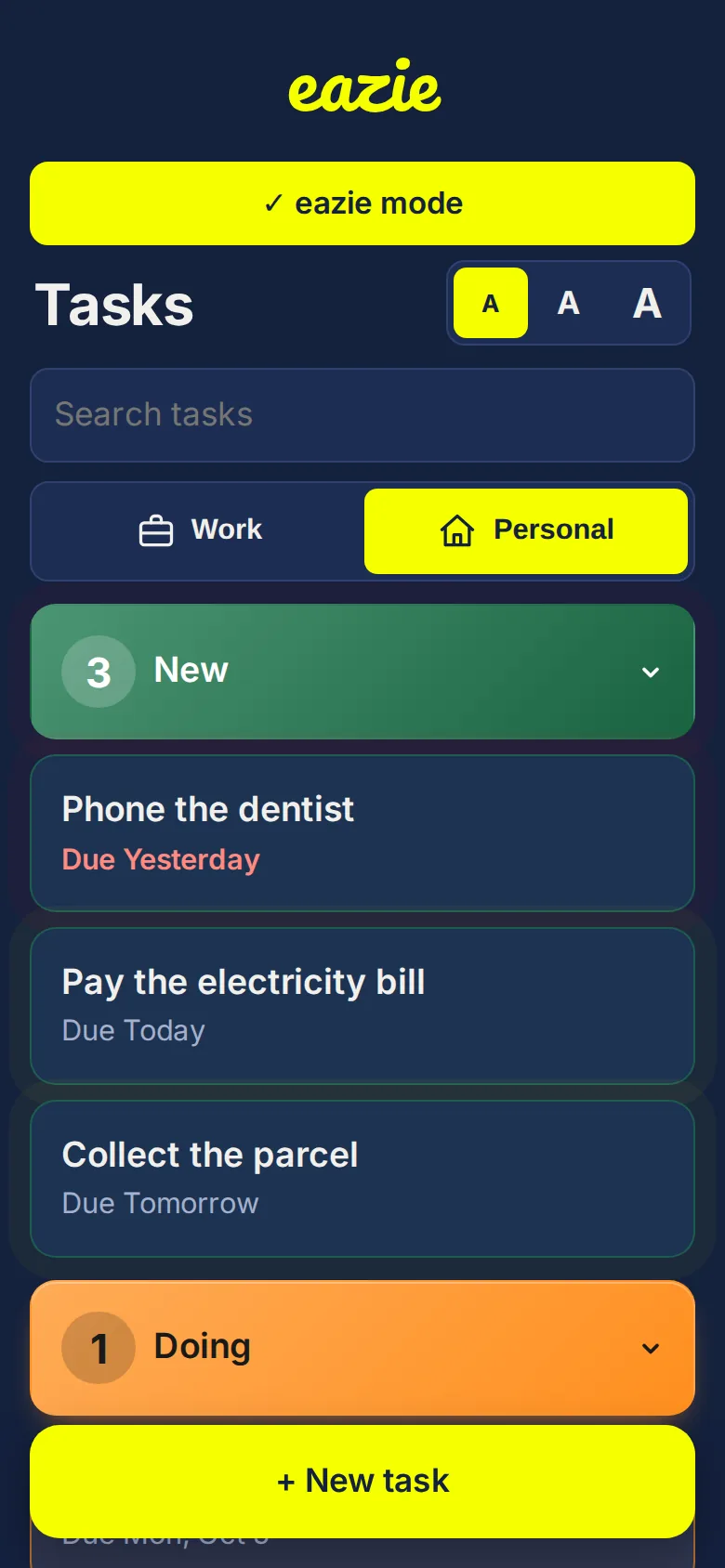
- Large buttons that are easy to hit.
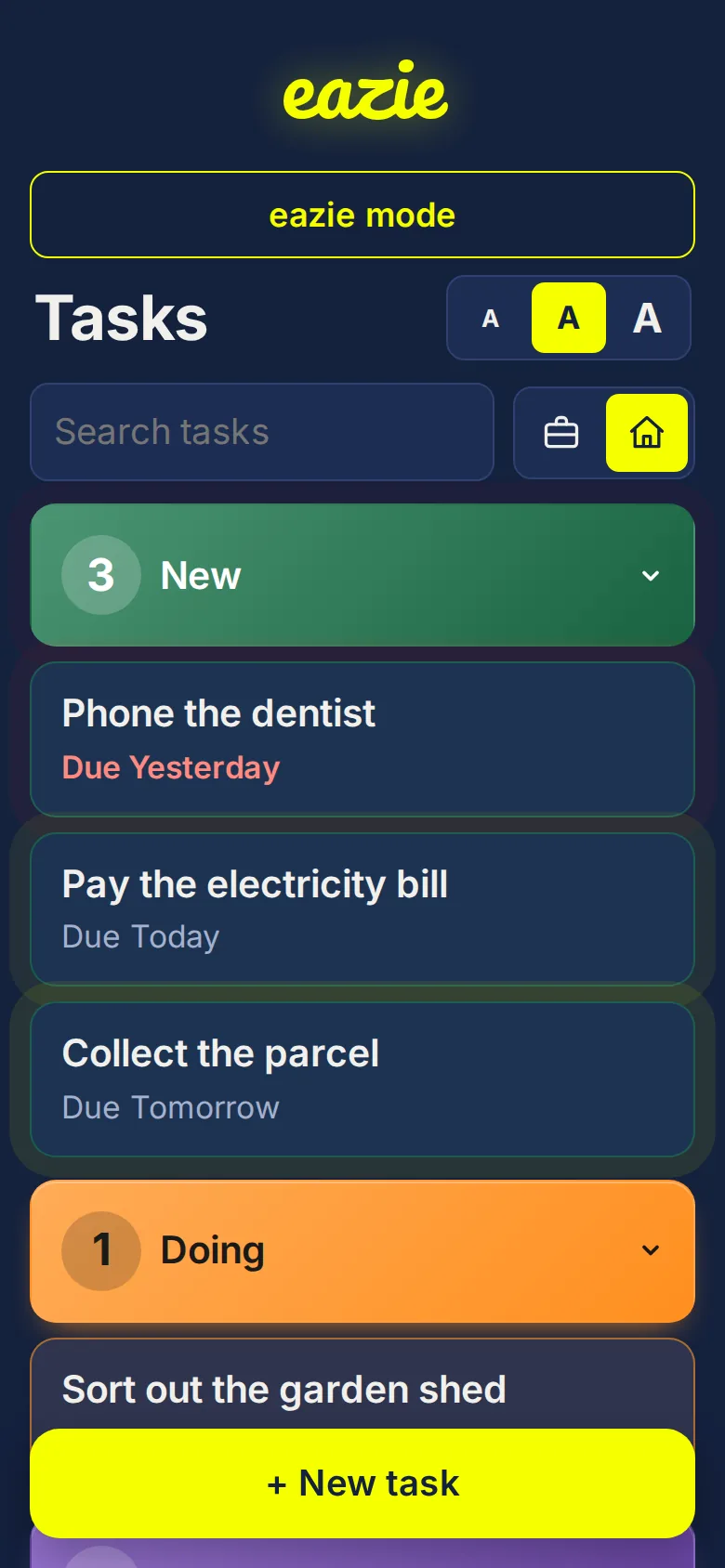
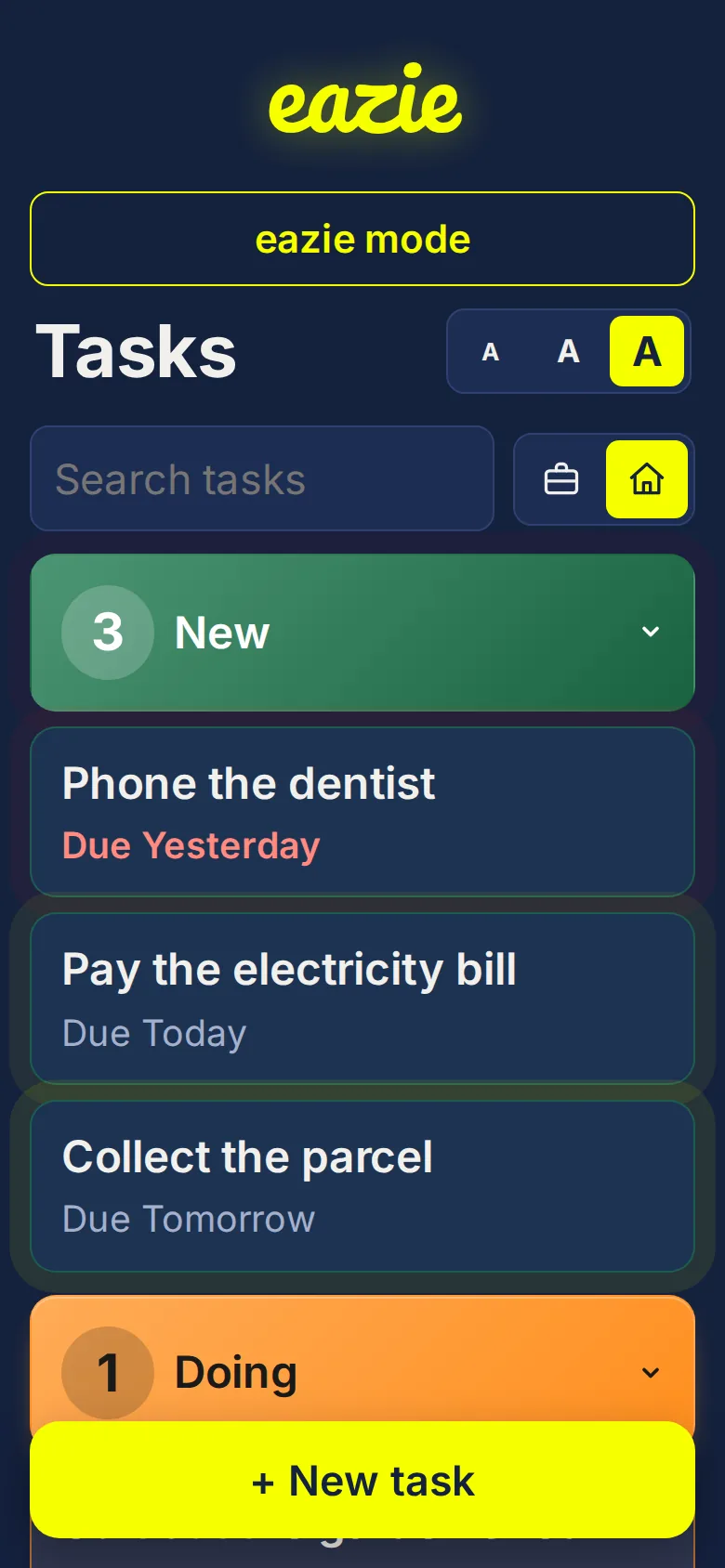
- Three text sizes, switchable at the top of the screen.
- Strong contrast: bright yellow on deep navy.
- Every category has its name written on it, so you never rely on colour alone.
eazie mode
Turn on eazie mode for a calmer screen. It makes things a little larger, switches off the movement, and hides the extras like job numbers and timelines.
Nothing to remember
No username, no password, no verification codes. If you can read, you can use it.
Set it up together
Families often get started best side by side. Add a few tasks, choose a text size, and add eazie to the home screen so it opens like any other app.
Common questions
Can I make the text bigger?
Yes. Tap the A buttons at the top for three sizes.
Do I need to create an account?
No. Open it and start.
Will it work on a tablet or phone?
Yes. It works in any modern web browser and can be added to the home screen.